
For iPhone and iPad
Zimmerklar
Snap before. Focus. Show the after.
- Status
- On the App Store

What the app does
Zimmerklar guides one tidying session in one area: it starts with a photo, continues with a set time for one thing and ends with a visible difference.
- Choose an area and start with a before photo
- Stay with one thing while the focus timer runs
- See the difference with an after photo
- If you like, a plan and a rating with AI
How a session works
Capture the starting point: choose an area and take a before photo.
Stay with one thing: focus timer.
See the difference: after photo.
Cost
Free to download. More with Zimmerklar Premium (subscription or one-time purchase, prices on the App Store).
Data
Help
Answers to common questions and how to contact us about Zimmerklar are on the help page.
From the app
Screens from the current development build.
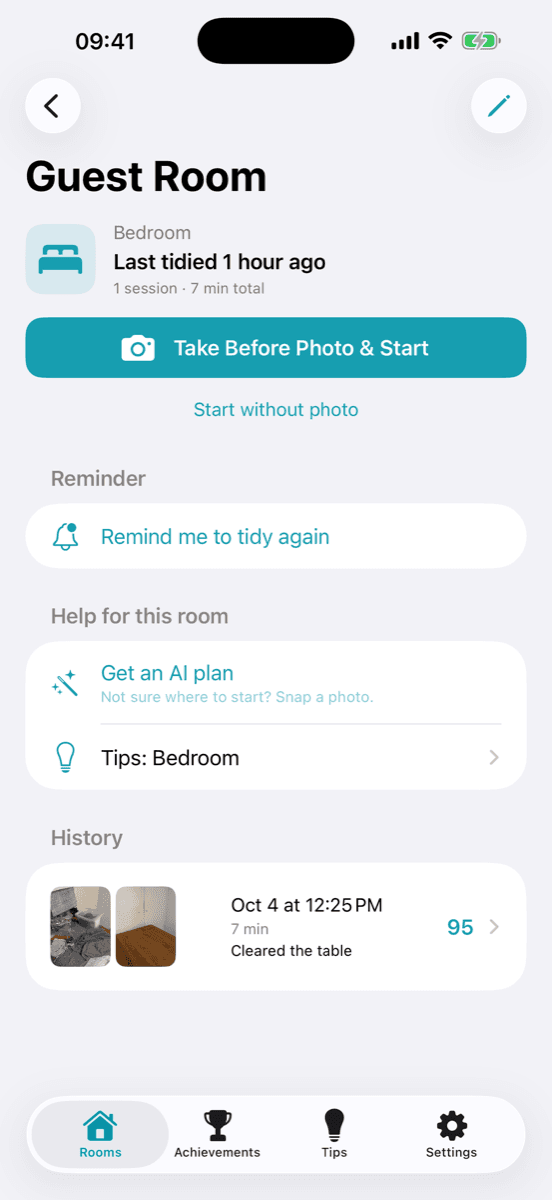
Choose an area, take a before photo 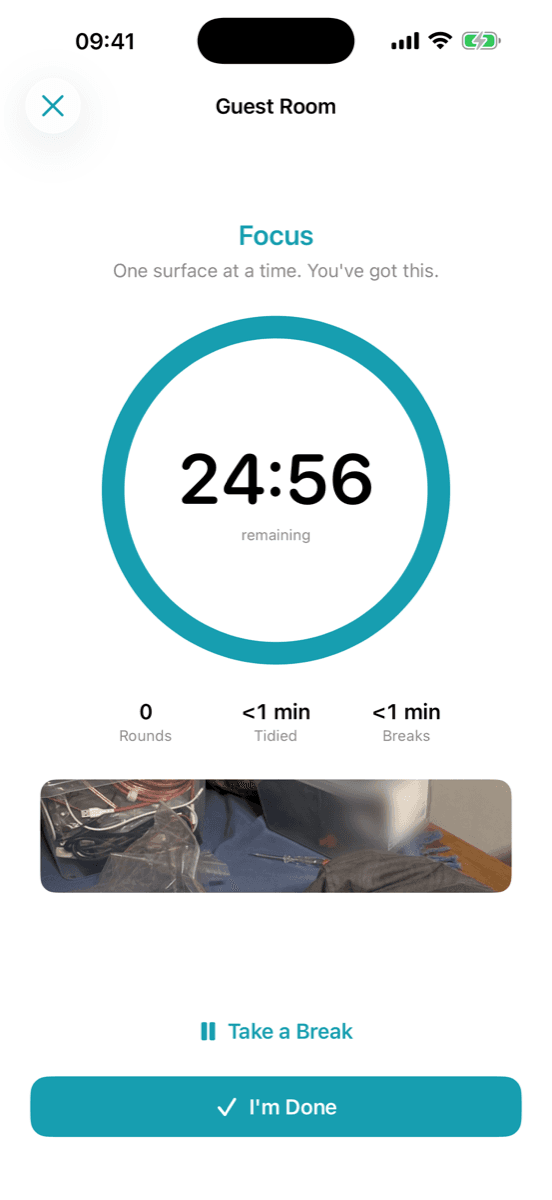
Focus timer 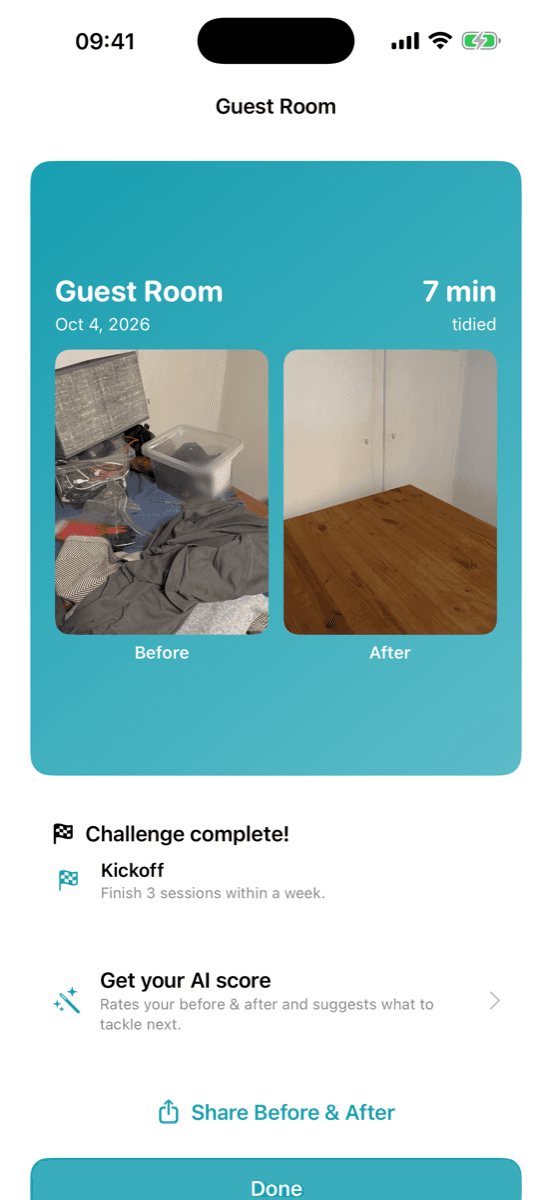
Before and after